
Baap CRM
AI-assisted CRM for sales and field teams.
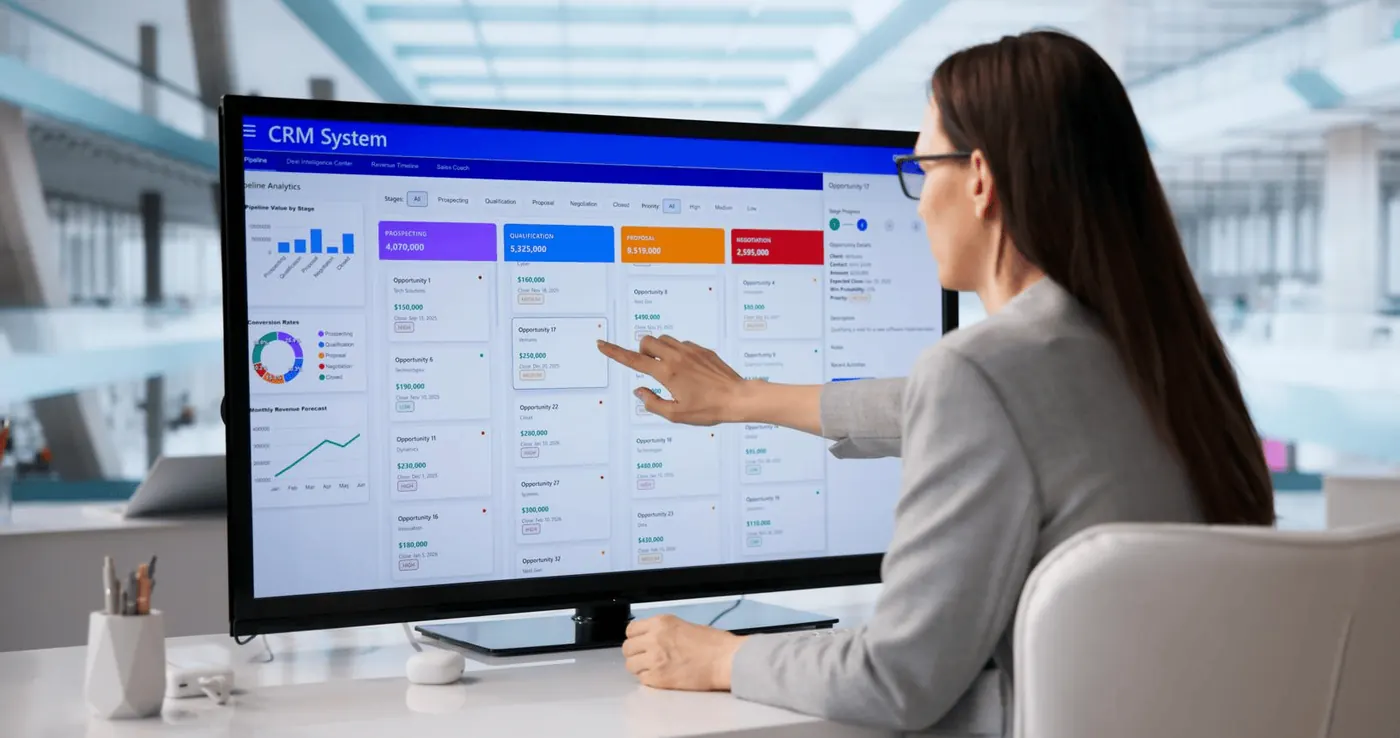
A CRM for teams that sell in the office and in the field. Track leads and pipelines, automate follow-ups, run campaigns and see where every field rep is in real time.
- Channels
- Email, SMS, WhatsApp
- Field sales
- Live location and visit tracking
- Pipeline
- Opportunities, quotations, forecasts
- Deployment
- Cloud; on-premises with Enterprise
Baap CRM features
Lead management
Capture, score and route leads so none are missed.
Sales pipeline
Stages, opportunities, quotations and forecasts.
Campaigns
Plan and measure campaigns that generate leads.
Field sales
Visits, check-ins and live location of field teams.
Follow-up automation
Tasks and reminders created automatically.
Bulk communication
Email, SMS and WhatsApp to segments of customers.
Get the Baap CRM datasheet
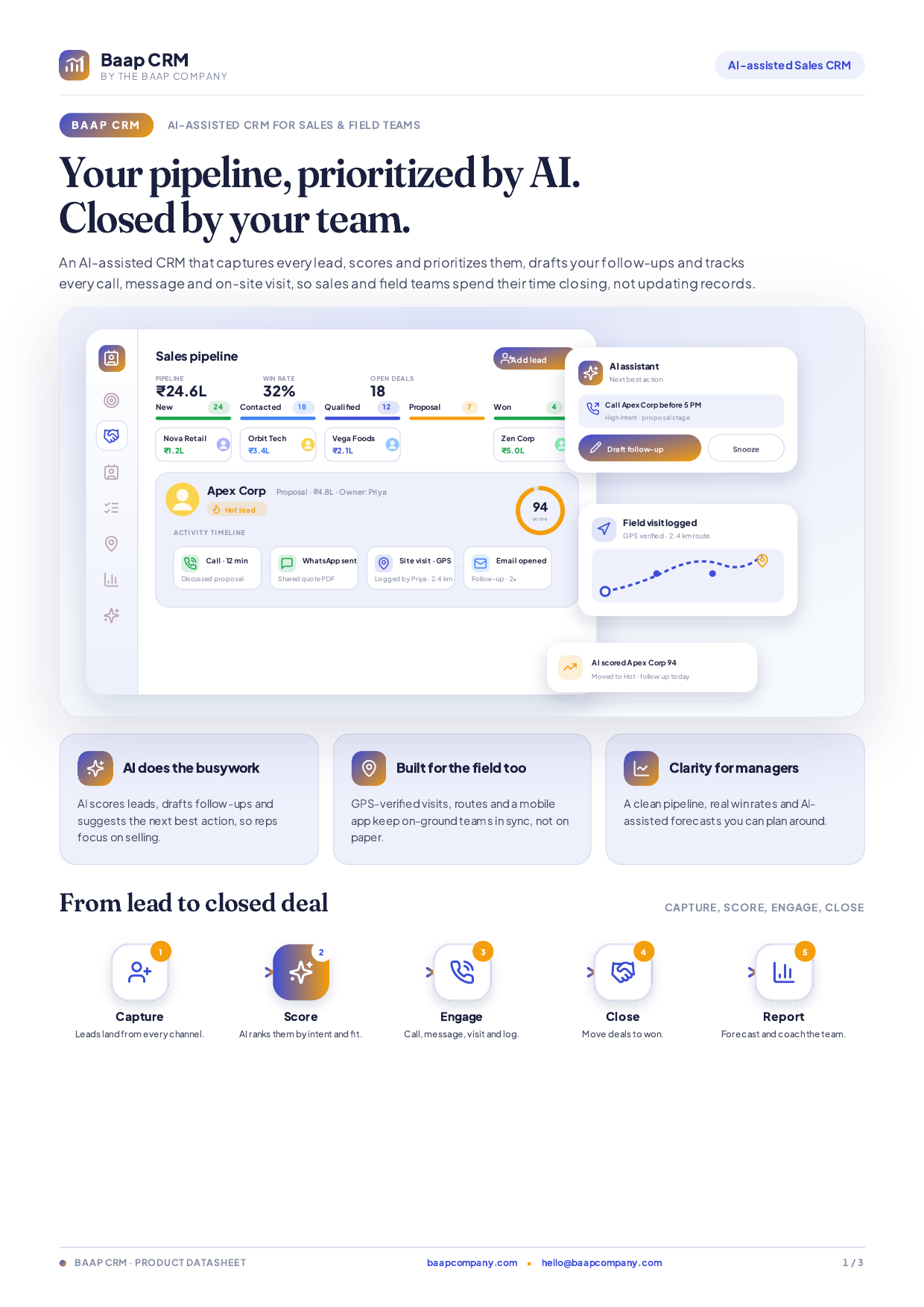
Your pipeline, prioritized by AI. Closed by your team. A 3-page overview to read later or share with your team.
- AI lead scoring, follow-up drafts and next-best-action suggestions
- GPS-verified visits, routes and a mobile app for field teams
- Calls, messages and visits logged against the pipeline
- Win rates, forecasts and manager coaching reports
How Baap CRM works
Migrate
We import your existing contacts and deals.
Configure
Pipelines, fields and roles match how you sell.
Connect
Email, WhatsApp, voice agent and ERP integrations.
Train
Your team goes live with onboarding and support.
Who uses Baap CRM
Real estate
Lead follow-up, site visits and deal pipelines.
Manufacturing
Orders, distributors and dealer coordination.
Healthcare
Patient inquiries, appointments and follow-ups.
Education
Admission inquiries and student communication.
Part of our industry stacks for real estate and hospitality.
Deployment, security and support
Cloud hosting
Baap CRM runs in our cloud as a managed service. For data residency or security requirements, on-premises or hybrid deployment is available with BoardView Enterprise.
Role-based access
Granular roles and permissions, audit history and secure API keys for integrations.
Onboarding and support
Data migration, configuration and training from the engineers who build the product, with support levels set by your plan.
How to implement Baap CRM
Seven phases from planning and data preparation to go-live, with checklists for your team.
Read the guideBaap CRM FAQ
What is Baap CRM?
Baap CRM is a CRM for teams that sell in the office and in the field. Track leads and pipelines, automate follow-ups, run campaigns and see where every field rep is in real time.
Does Baap CRM track field sales reps?
Yes. Field sales management includes visit scheduling, check-ins and live location of reps on a map.
Can I send WhatsApp messages from the CRM?
Yes. Bulk communication supports email, SMS and WhatsApp to customer segments, with history saved on each contact.
Who uses Baap CRM?
Common uses include real estate (lead follow-up, site visits and deal pipelines); manufacturing (orders, distributors and dealer coordination); healthcare (patient inquiries, appointments and follow-ups); and education (admission inquiries and student communication).
How does Baap CRM work?
It works in four steps. 1. Migrate: we import your existing contacts and deals. 2. Configure: pipelines, fields and roles match how you sell. 3. Connect: email, WhatsApp, voice agent and ERP integrations. 4. Train: your team goes live with onboarding and support.
Does Baap CRM work with other Baap products?
Yes. Baap CRM connects with BoardView, AI Voice Agent, AI Workflow Automation and Baap Commerce: run CRM inside the BoardView workspace with projects and docs; calls from the AI Voice Agent are logged to the lead; automate follow-ups, assignments and notifications; customers and orders stay in sync between Commerce and CRM. Other systems connect through AI Workflow Automation, webhooks and APIs, scoped with you.